TugIT Grub Scan App
Tugboat captains use this iPAD app to scan grocery order forms, compile them into a PDF, and deliver the PDF order directly to the corporate office by eMail or an upload.
Three steps to send a Grub order
The captain scans each page of the grocery order form, reviews the compiled PDF, and delivers it to the corporate office by eMail or an upload — all from the iPAD.
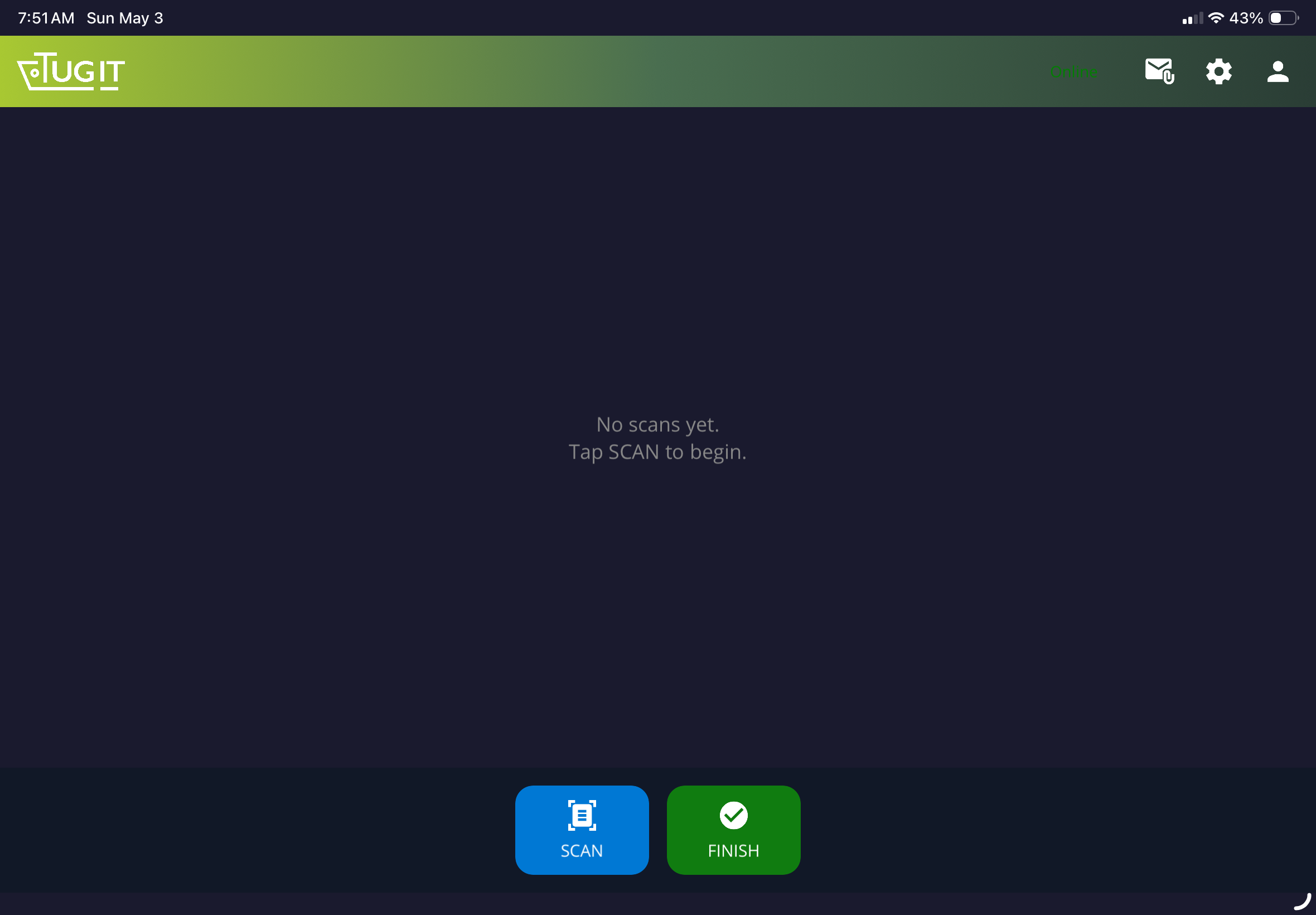
Open the app and tap Scan
Launch TugIT on the iPad. Tap the blue SCAN button at the bottom of the screen to activate the camera.
Scan each page of the order
Hold the iPad steadily over each sheet. The app automatically detects the page edges and captures it. Repeat for every page.
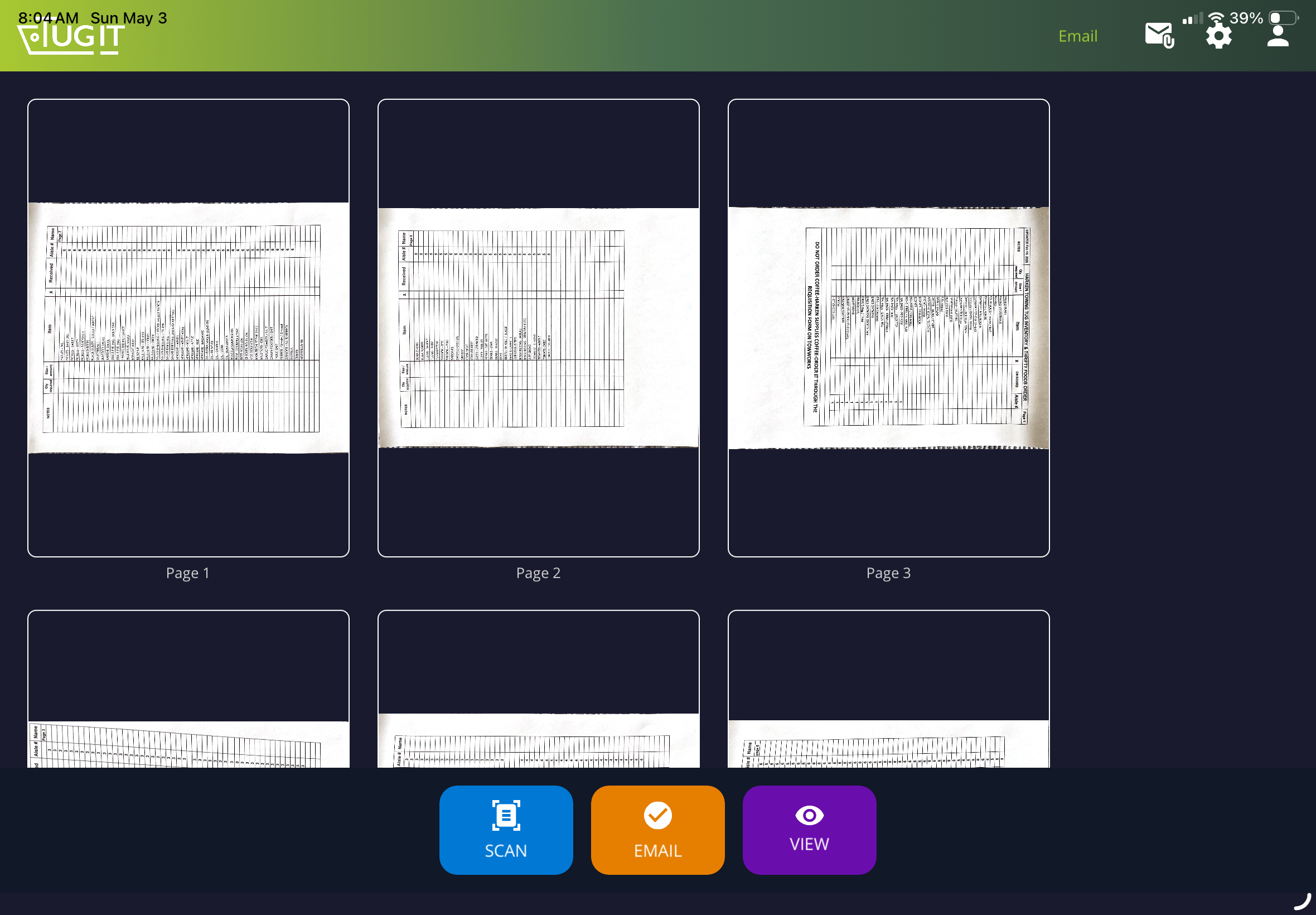
Tap Finish and deliver to dispatch
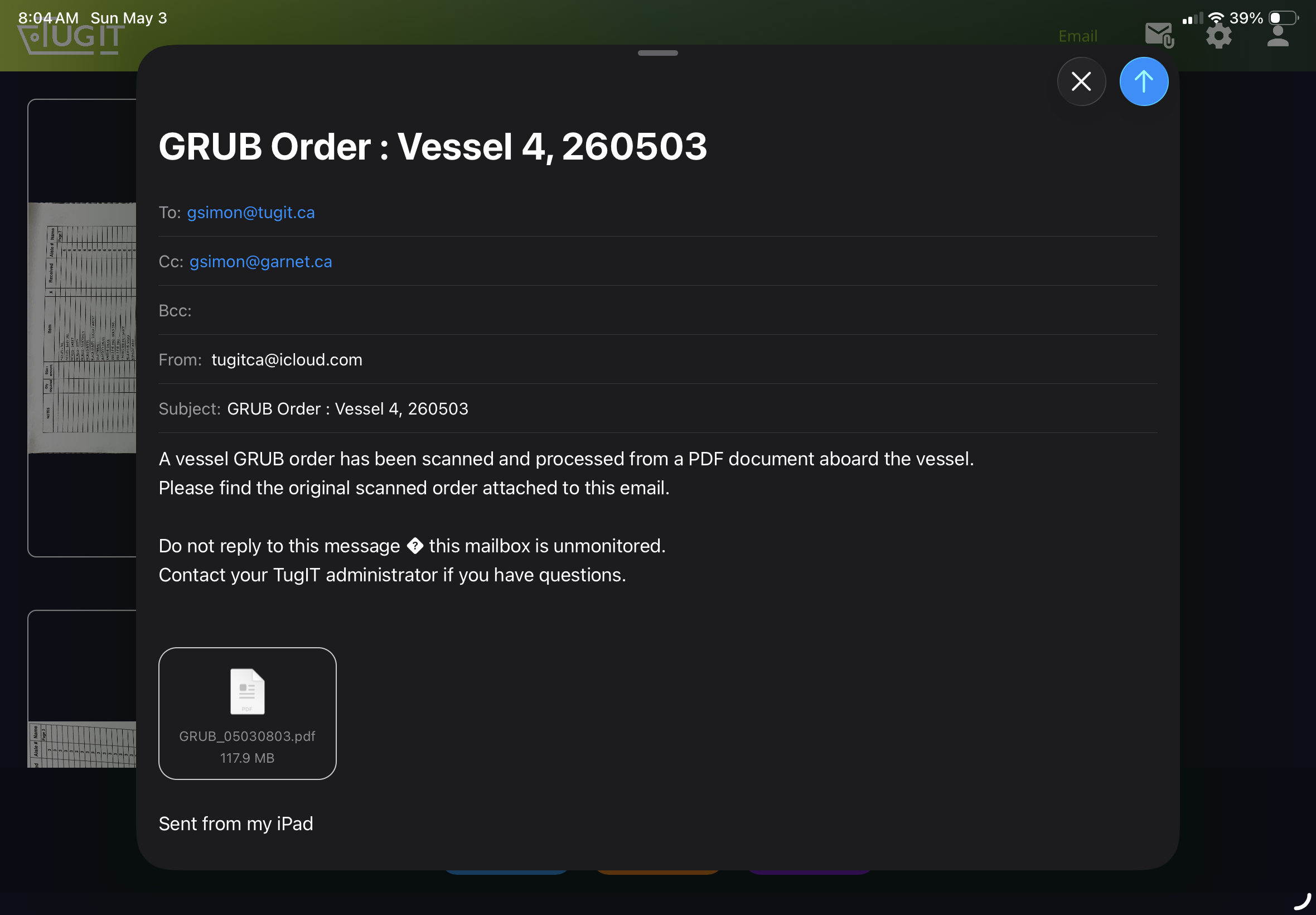
When all pages are scanned, tap the green FINISH button. Review the compiled PDF, then send it by eMail or upload it to the office.
Grub order reference sheets
These are the physical forms the captain places on a flat surface and scans with the iPad camera. Click a thumbnail to open a page, or use the download button below each one to save it individually.
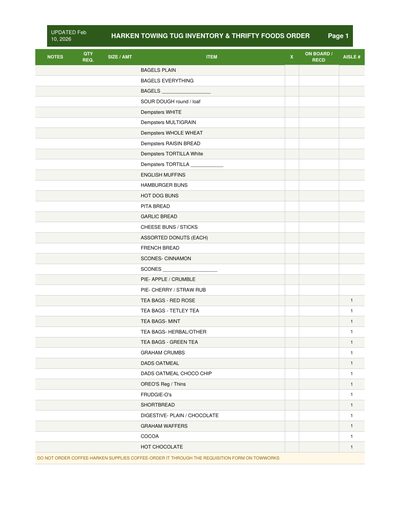
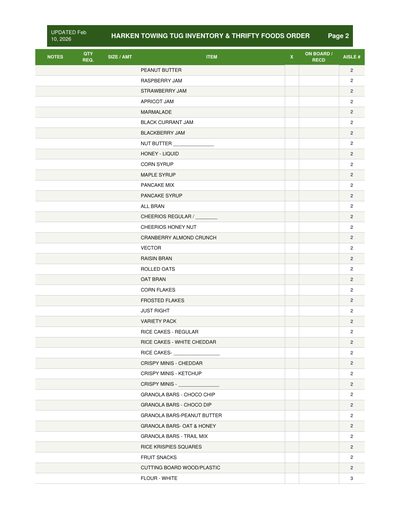
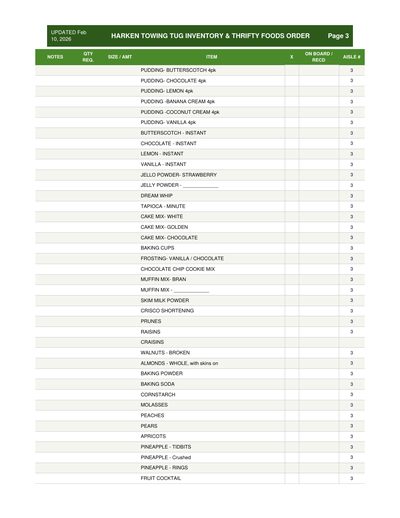
The app automatically detects page edges and corrects perspective during scanning.